Storm Monolith Studio — shaping atmosphere in the browser
An independent IOM environment study brings dark monoliths, sea and clouds into a scene that can be explored and adjusted in real time.
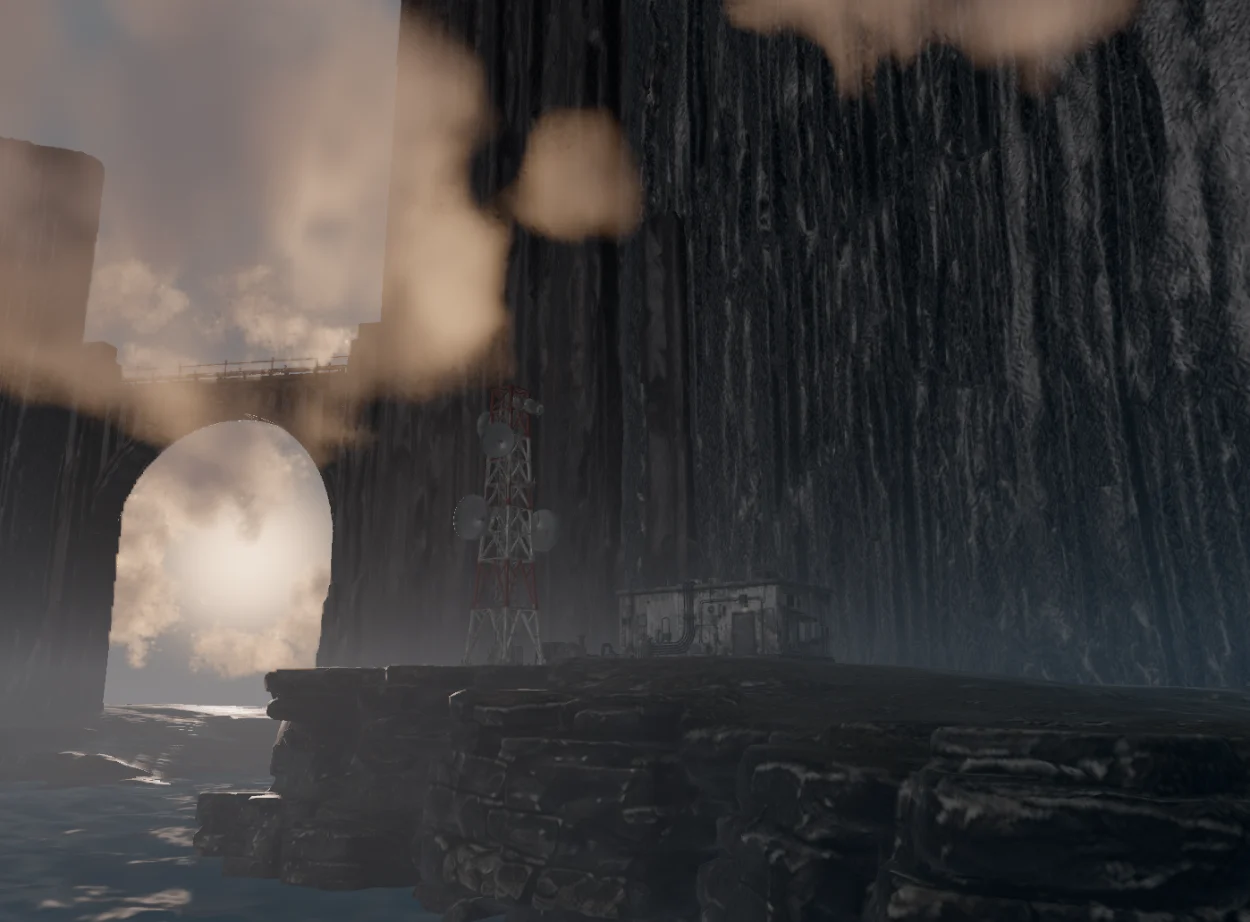
An independent IOM environment study brings dark monoliths, sea and clouds into a scene that can be explored and adjusted in real time.
Challenge — keeping the scene editable
The monoliths rise above moving water while cloud banks pass between the structures. The task was to preserve that sense of scale while letting a visitor change the camera, lighting and weather. This is an independent visual study, not a commissioned client project.
Solution — clouds with a defined reach
A world-space radius centres cloud coverage on the monolith area, with a soft boundary. Nearby clouds use finer volumetric sampling and distant clouds gradually use coarser sampling. This changes ray-marching detail; the quality setting controls render resolution. Visible clouds and their shadow calculations use the same spatial boundary.
Solution — surface detail without replacing the originals
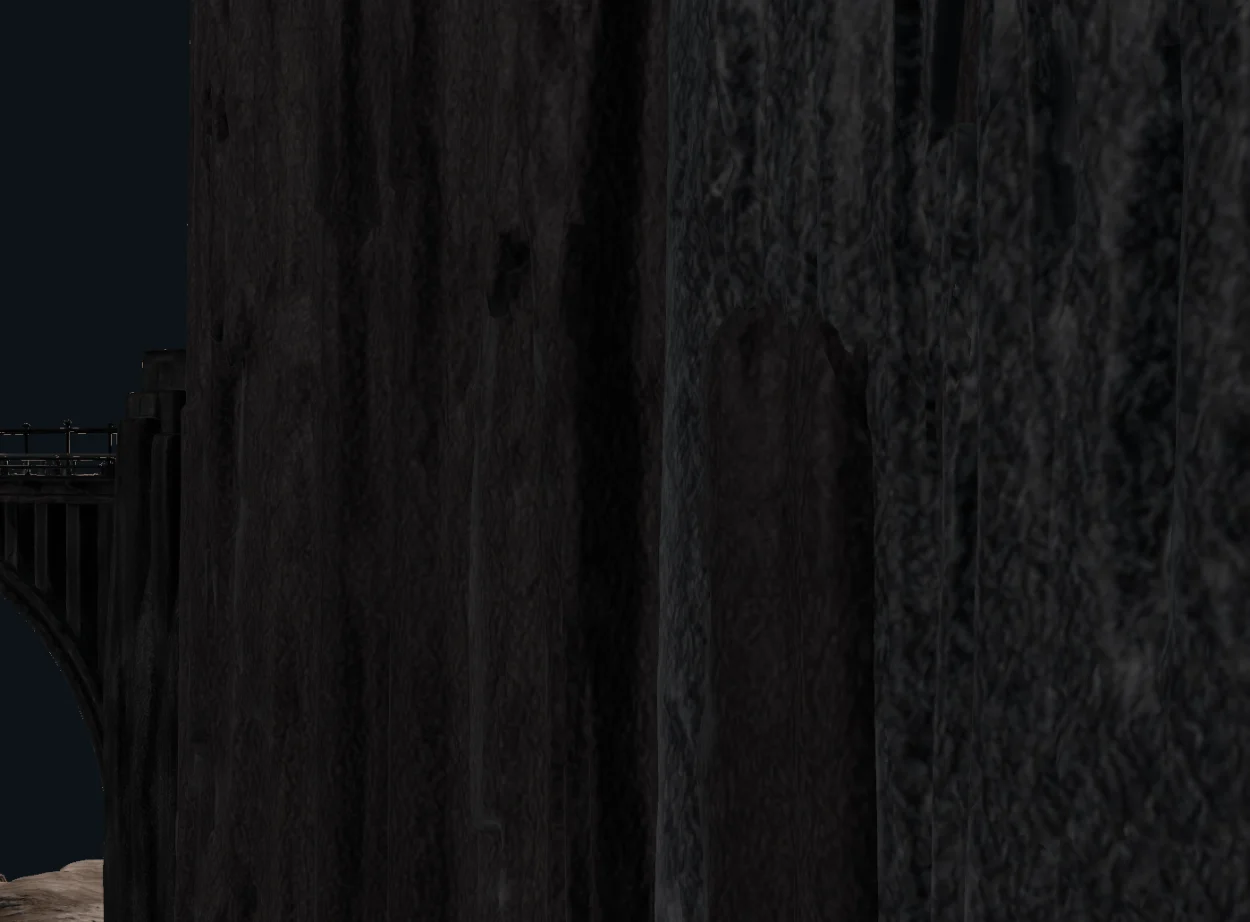
The monoliths retain their original colour, normal and metallic/roughness maps. A shared 1K Dark Concrete normal and roughness layer adds adjustable surface detail. Its normal pattern repeats at twice the earlier frequency, making features smaller without reducing their strength. A comparison toggle restores the original surface.
Deliverables — an independent browser studio
The standalone application includes orbit and fly cameras, weather controls, scene JSON and portable package export. Optimized models share resources; static transforms and cloud-shadow scheduling reduce repeated work. Frame rate still depends on the device, view and quality settings. The homepage links to the studio through a static poster so browsing the portfolio does not start another 3D renderer.
Try the scene
Start with the authored view, then use WEATHER → VOLUMETRIC CLOUDS to change Cloud radius or Near detail distance. Select Near left monolith and open MATERIALS to compare Dark Concrete detail. Change one setting at a time: broader cloud coverage and more detailed rendering can increase GPU work. Export Scene JSON to keep the settings, or a package when the scene also needs its runtime assets.